
The Billing page tells you what plan you're on, what you're paying, when you'll be charged next, and how to make changes.
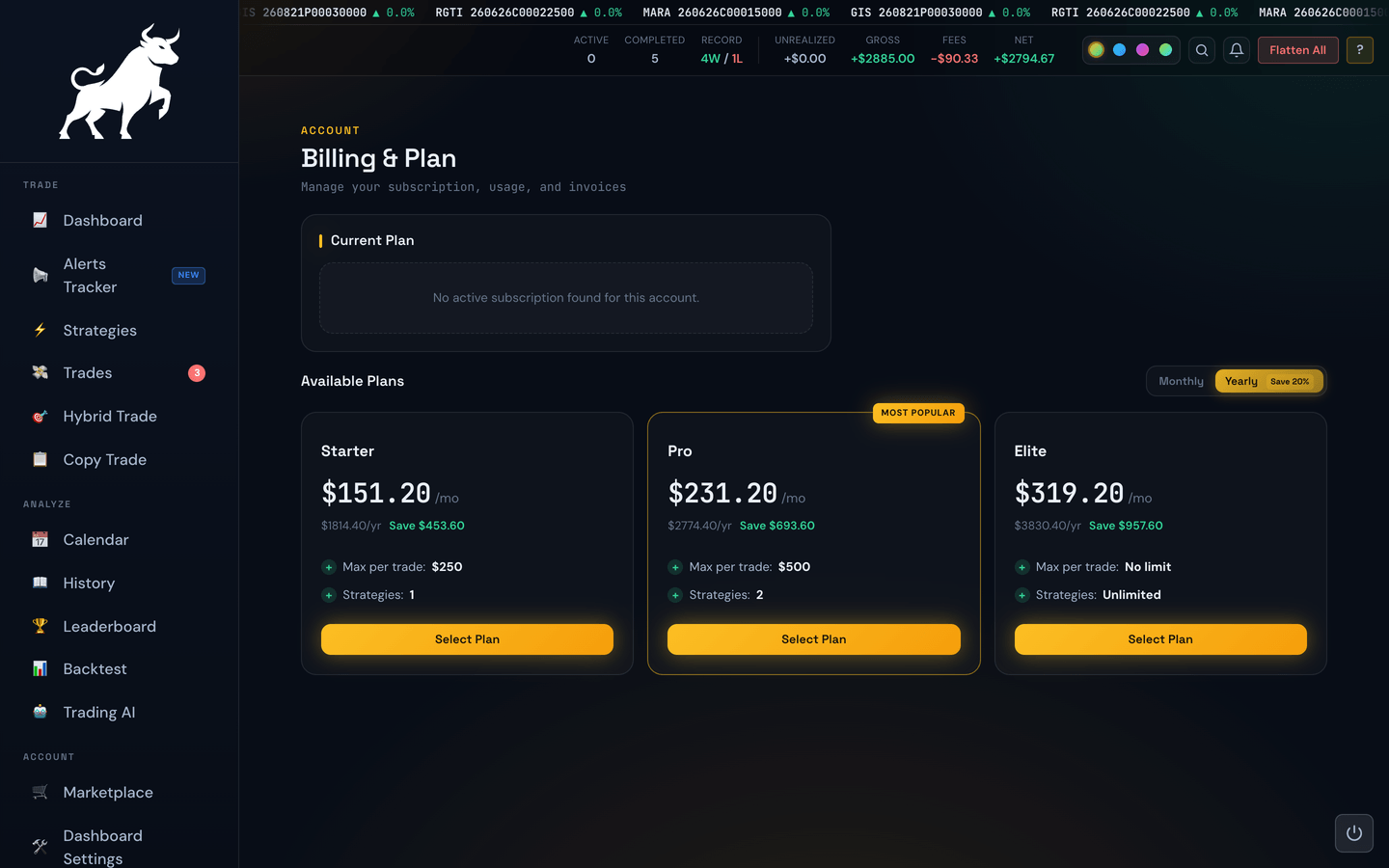
Your current plan card
The big card at the top shows:
- Plan name — e.g. Paper, Starter, Trader, Max, or Lifetime.
- Status — Active, Pending Change, or similar.
- Amount — what you pay per billing period.
- Billing period — monthly or yearly.
- Next billing date — the day your next charge is due.
- Member since — when you first subscribed.
Managing through PayPal
The portal does not process payments directly. Your subscription lives with PayPal (or whichever provider you signed up through). The Manage in PayPal link takes you to the provider's page where you can update your payment method, pause, or cancel.
Strategy subscriptions
If you subscribe to a paid strategy from the Marketplace, it gets its own section on this page, separate from your plan. Each one shows the monthly price, the next billing date, the payments you've made so far, and a Cancel Subscription button.
Cancelling stops future billing right away. The strategy keeps working until the end of the month you've already paid for, then switches off on its own — there's nothing else you need to do, and there's no refund for the part of the month you don't use.
If you own more than one account, a paid strategy is charged to the account you bought it on but works on all of them. Your other accounts list it here too, tagged Another account with no price and no Cancel button — switch to the account that pays for it to manage or cancel it. See Marketplace for the full picture.
Some paid strategies also come with a private Discord alert channel. Those show a Discord row with a Connect Discord button — see Discord Alert Access.
If you subscribed with a promo code, the code appears here next to that strategy. When the code gave you a free first month, the payment list is empty to start with, and that's correct — nothing has been charged yet. The Next Billing date is the day your first real payment comes out, and the first entry appears in the list after it goes through. Cancel before that date and no payment ever appears.
Upgrading and downgrading
The Available Plans section lists every tier side by side. Clicking Select Plan on one of them opens a comparison where you can:
- Upgrade — raise your capacity (more strategies running at once, a higher per-trade ceiling, more features). Strategies themselves stay separate subscriptions. If you're on a legacy price, you'll be asked whether to upgrade on the legacy scale (keeping your free items) or move to current pricing (giving them up). Upgrades take effect immediately and you're charged a prorated amount for the rest of the current period.
- Downgrade — move to a less expensive plan. Downgrades take effect at the end of your current billing period, so you keep the features you've already paid for through that date.
- Switch monthly ↔ yearly — yearly is typically discounted.
See Changing Your Plan for the full rules.
Paying an older price?
We've lowered our prices since some members joined. If you're paying more than your plan currently costs, a highlighted panel appears on your Current Plan card offering to move you onto today's price — same plan, everything you hold stays yours, nothing charged today. See Switching to Our Current Pricing.
Pending changes
If you've requested a downgrade, the Billing page shows a small banner telling you when the new plan kicks in. Until that date arrives, your current (higher) tier still applies.
Lifetime plans
If you're on a Lifetime plan, there's no recurring charge — the plan stays active permanently. Lifetime members are shown a friendlier card without billing dates.